How to Rank Your Business on Google Maps Fast
How to Rank Your Business on Google Maps Fast
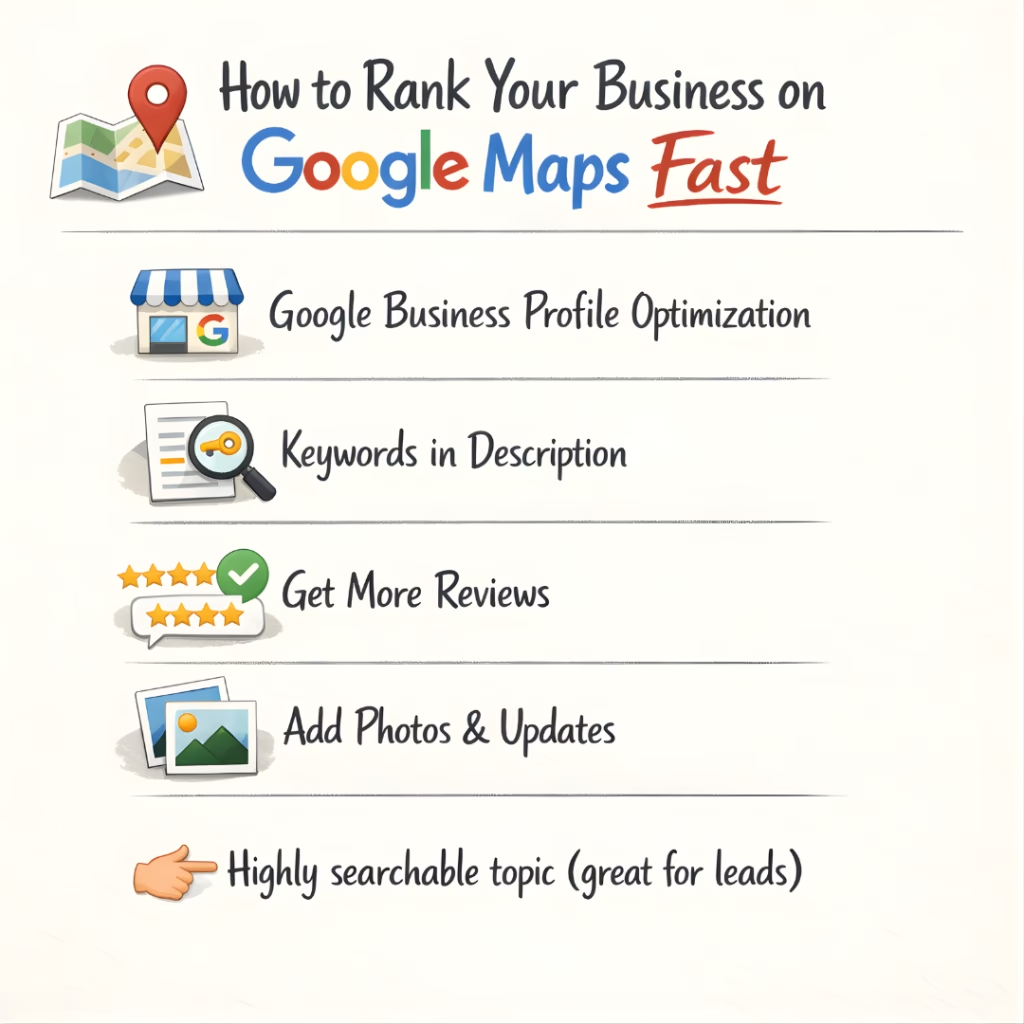
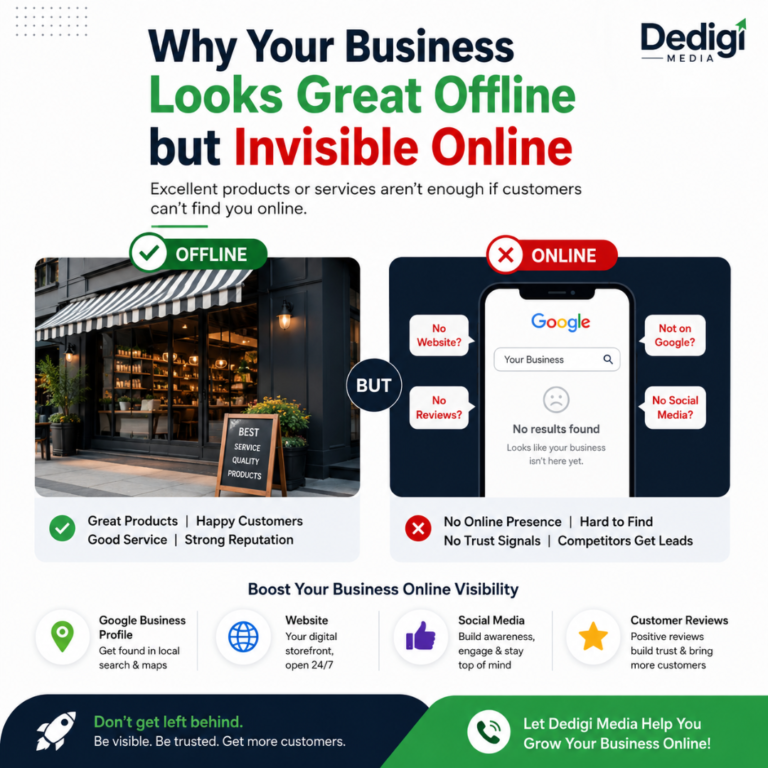
Getting your business to appear on Google Maps is one of the smartest ways to attract local customers. With the right strategy, you can improve visibility, build trust, and generate more leads consistently.
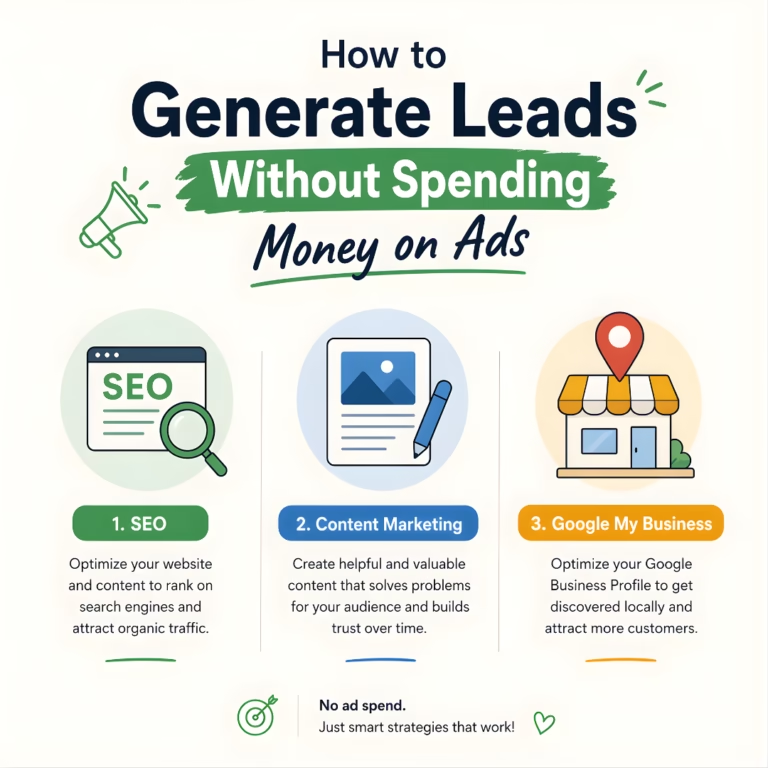
Optimize Your Google Business Profile
Your Google Business Profile is the foundation of your local presence. Make sure all your details—business name, address, phone number, and working hours—are accurate and complete. Add a compelling business description that clearly explains what you offer. A well-optimized profile builds credibility and increases your chances of ranking higher.
Use Smart Keywords in Description
Adding relevant keywords naturally in your business description helps Google understand your services better. Think about what your customers are searching for and include those terms in a simple, readable way. This improves your chances of appearing in local search results without sounding robotic.
Build Strong Customer Reviews
Positive reviews are a powerful trust signal. Encourage happy customers to share their experiences. Respond to every review—whether it’s positive or negative—to show that you care. Active engagement boosts your reputation and helps improve your ranking on Google Maps.
Add Photos & Regular Updates
High-quality photos make your business more attractive and trustworthy. Upload images of your products, services, and location regularly. Posting updates, offers, and news keeps your profile active and signals Google that your business is relevant and engaging.